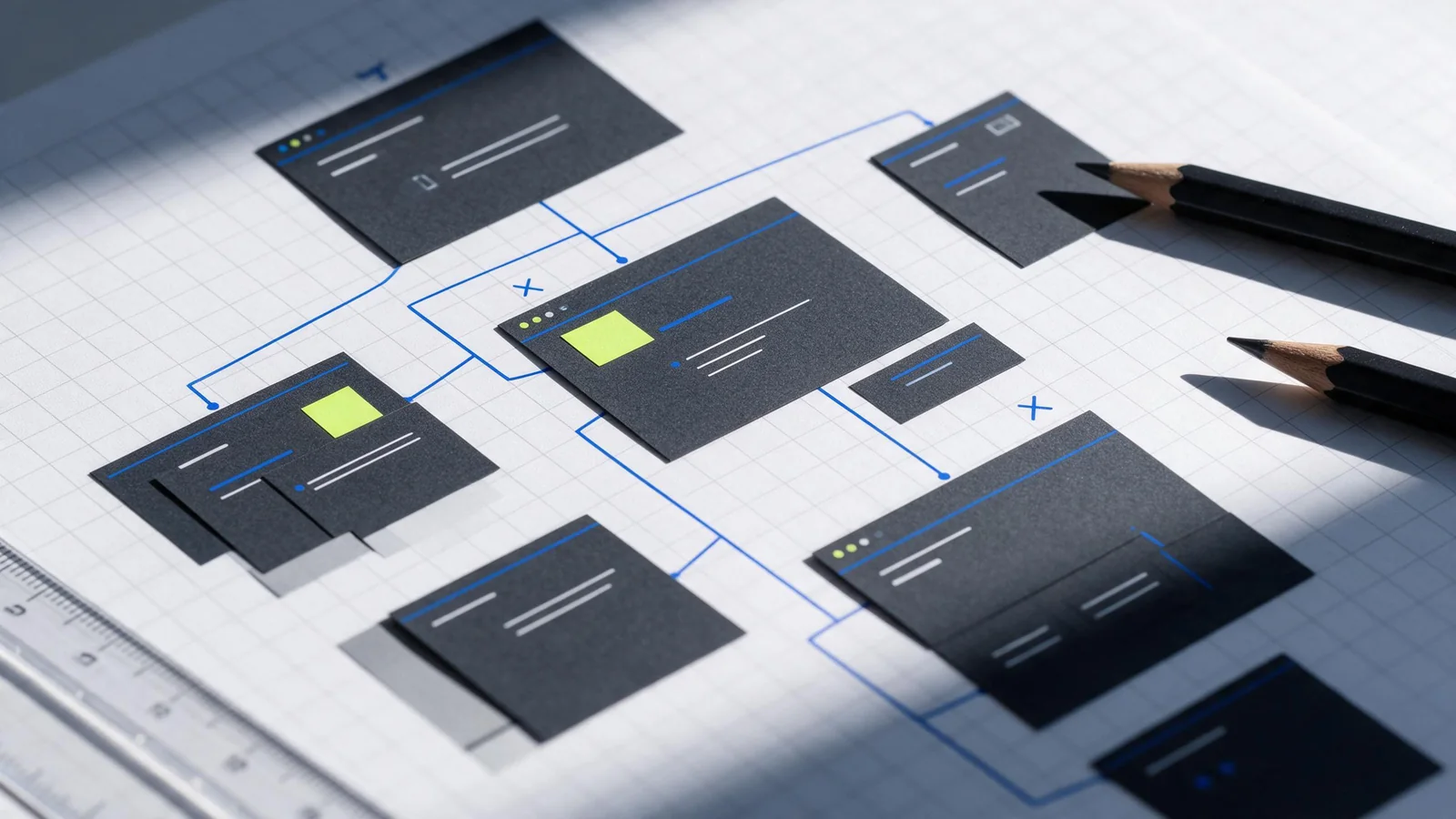
Website design and SEO work best when they're planned together. For a B2B company, that means deciding what each page is for, what a buyer needs to learn, and how search engines can reach the page before the visual system is locked. A polished launch can still leave important URLs hidden or thin. This checklist gives your team a practical order of work, from page map to post-launch review.
What website design and SEO have to do with each other
Web design shapes how people navigate, understand, and act on a site. SEO helps search engines discover and interpret the pages that may answer a search. These jobs meet in the page map, navigation, headings, visible copy, internal links, mobile layouts, and technical launch settings.
That relationship doesn't mean attractive design automatically improves rankings. Nor does adding keywords to a template make a page useful. Google describes SEO as helping search engines understand content and helping people decide whether to visit a result. Its SEO Starter Guide is a useful baseline for content, titles, links, and site organization.
Think of design and SEO as two reviews of the same set of decisions. Can a potential buyer find the right page? Can a crawler follow the route to it? Does the page answer the question suggested by its title? Those questions belong in the same project conversation.
Start with a page map, not a homepage mockup
Before choosing a hero layout or animation, write down the pages the site needs and the specific job each one will do. A B2B company might need a homepage, a few service pages, industry or solution pages, an about page, a contact route, and a limited set of guides. The exact list depends on the offer. More URLs aren't automatically better.
Give each planned page one primary audience question or search intent. For example, a visitor looking for a service provider needs proof of fit, scope, and a next step. A visitor researching a problem needs an explanation or a process they can use. If two planned pages would answer the same query in nearly the same way, decide whether one strong page is enough before you build both.
Then sketch the paths between them. A buyer should be able to move from a helpful article to the relevant service page without starting over. Your most important offers shouldn't sit behind a confusing sequence of dropdowns. Google recommends logical site organization and crawlable URLs; its URL structure guidance also favors URLs people can understand.
A simple planning sheet can have four columns: planned URL, page purpose, buyer question, and the next useful page. It catches duplicate ideas early and gives the designer a real information structure to work with.
Fit useful copy into the design before development
Designing around placeholder copy creates avoidable rework. A short placeholder may fit a card that later needs a careful explanation, an implementation detail, or a qualification. Write a rough content outline for every important template before approving the final layout.
For each service page, decide what a qualified visitor needs to understand: who the service is for, what work is included, what the process looks like, what information the team needs, and how to start a conversation. Use only claims the business can substantiate. If the company has no approved client example or result for a page, don't create a case-study-shaped block to make the design feel complete.
Give the page a clear title and a visible heading structure. Headings should describe the section that follows, not serve as decorative labels. Use descriptive link text so a reader knows where a link goes. Google notes that links written as standard HTML anchors with an href can be crawled and that useful anchor text gives both people and Google more context in its link best practices.
Keep the call to action tied to the page's job. A service page may invite a proposal discussion. An educational article can point to a related service, but it should still answer the reader's question before asking for a meeting.
Make navigation and internal links work for people and crawlers
Navigation is part of the content architecture. Use labels a buyer will recognize. Put the main services where a visitor can find them, and group supporting material in a way that matches how the offer is explained. A menu full of internal department names is a poor substitute for plain language.
Check links in the actual rendered page. A button that works only through a script event may look clickable but fail to provide a standard crawlable route. Link related guides to relevant services, and link service pages back to supporting explanations when that helps someone evaluate the work. Don't add a link just to increase link count.
Before launch, make sure no important page is an orphan. Follow the path from the homepage through navigation or contextual links and confirm it reaches the intended URL. Review the destination, not just the anchor label: a link called “SEO services” should not land on a generic contact page.
Review mobile, performance, and accessibility in the real build
Responsive design is not only a smaller desktop layout. Check whether a phone visitor can read the page, open the menu, understand diagrams, and complete the form without awkward zooming or horizontal scrolling. Also compare the mobile and desktop content. A compact layout should not silently remove a service detail or important navigation route.
Measure performance on the pages that matter, especially the homepage, key service templates, and the lead form. A large background video, oversized image, or unnecessary script can make a beautiful screen frustrating to use. Test the built page rather than relying only on a design preview; the production code and asset weight are what visitors receive.
Check contrast, keyboard focus, form labels, meaningful image text, and heading order. These checks support people using different devices and assistive technologies. They also tend to expose places where a visual treatment has made the underlying page structure harder to understand.
Keep performance and accessibility checks honest: passing a tool's automated scan is not proof that every person can use a page. Test a few real tasks, such as finding the service scope and sending a message, on a phone and with a keyboard.
Run a technical SEO checklist before the site goes live
A redesign can change URLs, page templates, and crawl paths. Before release, make a list of existing URLs that need to remain or redirect. For each changed URL, choose the closest relevant destination; don't send every retired page to the homepage. Verify that canonical tags point to the preferred live URL and that internal links don't point to old paths.
- Confirm that public pages return the expected success status and that private or test routes stay out of the index.
- Review robots.txt and page-level robots directives so important content isn't blocked by a staging rule.
- Generate a sitemap containing canonical, indexable URLs only, then check that it loads.
- Test redirects, internal links, forms, email links, and the confirmation state on desktop and mobile.
- Check title tags, meta descriptions, page headings, image alternatives, and page-specific canonical URLs.
- Verify analytics and Search Console access before launch so the team can observe the new baseline.
Search Console is especially useful after release because it reports how a site's pages appear in Google Search. Its Performance report documentation explains the available search metrics and filters. Use those reports to inspect what happened; don't treat them as a promise that a page will rank.
What to check after launch
Once the site is public, inspect the important URLs individually. Confirm that Google can access them, that the intended canonical is present, and that the page content matches the design that was approved. Watch for redirect errors, missing pages, unexpected noindex tags, and internal links left behind by the old site.
Then compare observed search queries with the purpose assigned to each page. Search impressions and clicks can show whether a URL is appearing for relevant queries; analytics and the contact workflow can help you review the quality of visits and inquiries. A short reporting note should record the date, the issue, the fix, and what you will check next. That makes the next redesign or content update easier to reason about.
If your team is planning a new site, our B2B website development page explains the scope we offer. For ongoing search work, see SEO services. And if you're deciding how traditional SEO relates to AI answers, read the guide to answer engine optimization.
A compact launch sequence
Use this order to keep handoffs manageable: assign page purpose and URL; draft the content outline; approve navigation and templates; add real copy and media; check technical settings; test user tasks; launch; inspect Search Console and lead handling. If a decision changes late, update the page map and redirect list along with the design. A page that's attractive but disconnected from the rest of the site is still unfinished.
Questions buyers ask
What does SEO mean in website design?
SEO in website design means planning page purpose, crawlable routes, headings, content, links, and technical settings as the site is designed and built. It does not mean that a visual style or a keyword in a title guarantees a ranking.
Is SEO still worth doing in 2026?
It can be useful when people search for problems, services, and comparisons your business can genuinely address. Decide based on buyer relevance, the work required, and the results you can measure; no channel or position is guaranteed.
How much does SEO cost for a website?
There is no single price for SEO on a website. Cost depends on the scope: a technical review, ongoing content and optimization, migration support, and reporting are different work plans. Ask providers to define deliverables, access, review responsibilities, and what is excluded before comparing proposals.
Can a beginner do SEO for a website?
A beginner can learn the foundations: map useful pages, write clear titles and content, use crawlable links, and check Search Console. A redesign or a technical migration can involve redirects, canonicals, indexing controls, and measurement, so have an experienced person review changes that could affect important URLs.