B2B website design best practices rarely fail because a team picked the wrong shade of blue. They fail because the site answers the wrong questions in the wrong order. Imagine a hypothetical mid-sized industrial equipment maker — call it a stand-in for any technical manufacturer — preparing a multilingual site for distributors, plant engineers, and procurement leads. The buying committee does not move as one person. A maintenance manager wants to know whether a spare part fits an existing line. A project engineer wants dimensional drawings and load ratings. A procurement officer wants lead times, Incoterms, and warranty terms. A finance approver wants total cost of ownership over a service life. If the site treats all of them as a single “visitor,” it will produce pages that are technically published but practically invisible to the people who sign off.
Start with the buying committee and its questions
A useful exercise is to list the questions that must be answered before a purchase order can be raised, not the questions marketing would like to ask. Those questions cluster into categories: fit, proof, risk, and logistics. Fit questions are about compatibility — voltage, throughput, material, footprint, certification. Proof questions are about evidence — test reports, installation photos, named project references where permitted. Risk questions are about failure modes — what happens during commissioning, who supports the site, what spare parts are stocked. Logistics questions are about delivery and documentation — languages, customs paperwork, training.
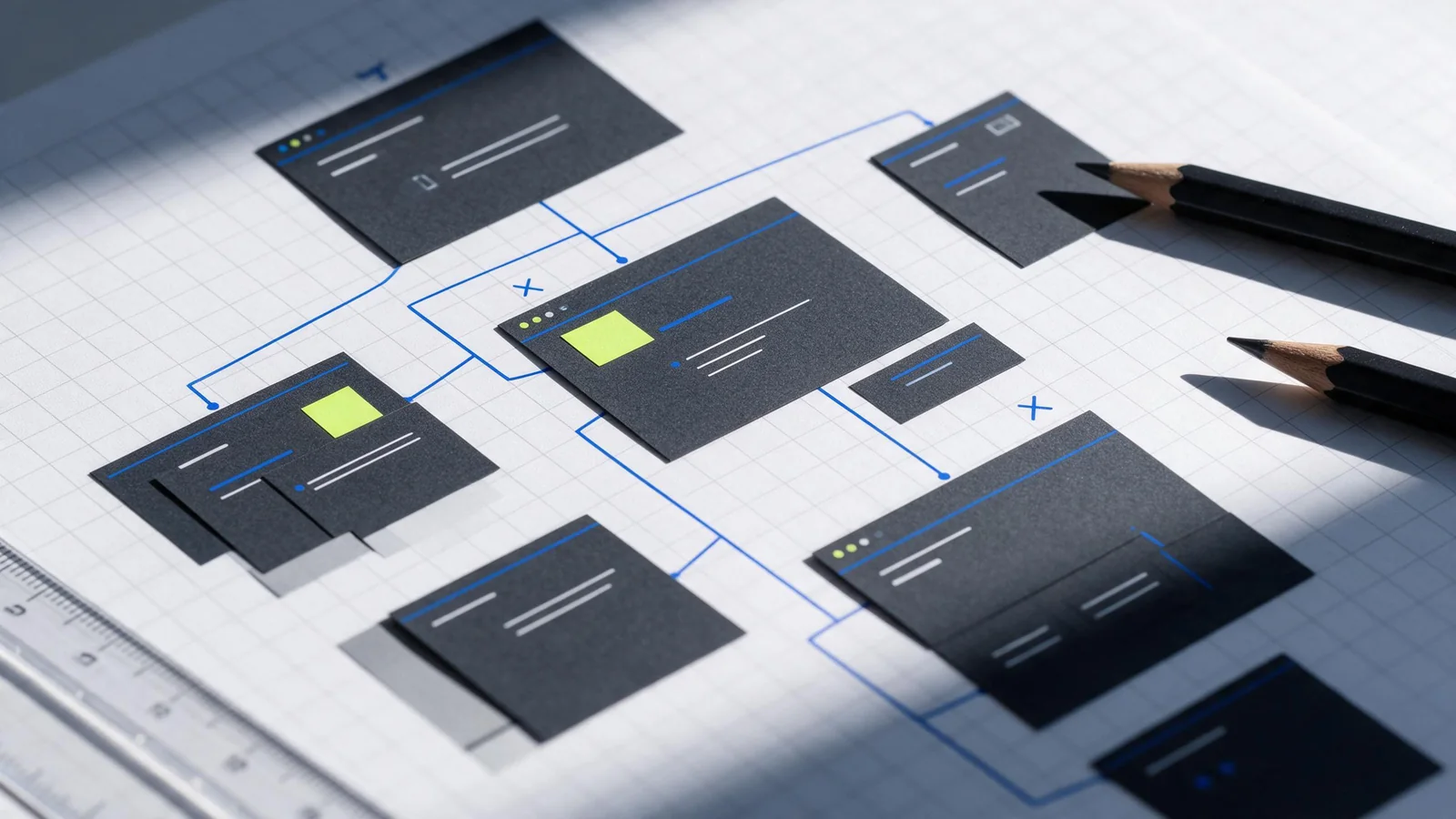
This is where a page map becomes more than a sitemap. The page map should trace each question to a page type and an evidence type. A compatibility question might map to a product page with a specification table and a downloadable drawing. A proof question might map to a project case page with a context paragraph and an outcome described by the client, not by the manufacturer. A risk question might map to a support page with service-level language and regional contact details. When a question has no page, that is a gap in the site’s argument, not a gap in the navigation.
Map pages to products, use cases, and proof
Technical buyers rarely arrive through a single product page. They arrive through a problem search, a competitor comparison, or a referral from an integrator. A page map that separates products, use cases, and proof allows the site to meet them where they are. Product pages carry the specification spine: what it is, what it does, what it does not do, and what it connects to. Use-case pages carry the application narrative: the operating condition, the constraint, and the configuration chosen. Proof pages carry the evidence: the project, the scope, the duration, and the result as reported by the client or the commissioning report.
In a verified RAGSEO case for an unnamed mining-equipment company, the site structure included company, product, solution, project case, support, and contact pages across English, Spanish, French, Arabic, and other languages. That structure is a useful reference because it separates commercial pages from evidence pages and from service pages. It also shows that multilingual coverage is not a single translated homepage; it is a parallel set of page types that must each carry the same evidence logic. The case describes the structure and languages only. It does not prove that the site increased sales, reduced support load, or improved any commercial metric, and it should not be cited as if it did.
Evidence placement matters as much as evidence existence. A test certificate buried in a PDF on a support page will not help a project engineer comparing two vendors. A one-line “trusted by” logo strip will not help a procurement officer assessing risk. Proof should travel: a claim on a product page should link to the project case where that claim was demonstrated, and the project case should link back to the product configuration used. This creates a chain that a technical reviewer can follow without leaving the site. Internal links such as website design and SEO guidance can help teams think about how those chains are structured, but the chain itself must be built from the buyer’s questions.
Make navigation and evaluation easy
Navigation for technical buyers is less about elegant menus and more about predictable paths. A menu that groups by product family, then by application, then by support, matches how many industrial buyers think. The W3C WAI menus tutorial is a useful reference for building navigation that works with keyboards and assistive technologies, including clear focus states and logical tab order. That is not a compliance afterthought; it is an evaluation aid. A buyer using a keyboard to move through a specification table is still a buyer.
Evaluation ease also depends on page-level decisions. Comparison tables help when they compare like with like. Specification tables help when units are consistent and tolerances are stated. Downloadable drawings help when they are labeled with revision dates. A contact form helps when it asks for the information the sales engineer will need, rather than a single “message” box. Google’s SEO starter guide recommends logical organization, descriptive links, and useful content, which aligns with how technical buyers scan: they look for the page that matches their question, then decide whether the page is credible enough to read further.
Design conversion paths for different buyer stages
A conversion path is not always a form submission. For an early-stage researcher, a useful conversion might be a downloadable drawing, a specification comparison, or a saved configuration. For a mid-stage evaluator, it might be a request for a sample, a quote, or a technical call. For a late-stage approver, it might be a document package with warranty, lead time, and service terms. The site should make each of these available without forcing every visitor into the same funnel.
The table below is an editorial decision aid, not a checklist. It maps buyer stage to page type, evidence, and conversion path, and it is meant to be adapted rather than copied.
| Buyer stage | Primary page type | Evidence to place there | Useful conversion path |
|---|---|---|---|
| Problem recognition | Use-case or solution page | Operating condition, constraint, configuration logic | Download a technical overview or subscribe to updates |
| Vendor comparison | Product page with specification table | Ratings, tolerances, certifications, revision dates | Request a comparison sheet or a technical call |
| Risk assessment | Project case page | Scope, duration, commissioning notes, client-reported result | Ask for a reference or a site visit |
| Approval and procurement | Support and contact page | Warranty, lead time, Incoterms, regional service coverage | Request a formal quote or document package |
One consequence of separating these paths is that analytics become more meaningful. A download of a drawing is not the same signal as a quote request, and treating them as equivalent can mislead a sales team. Another consequence is that content owners must decide who maintains each evidence asset. A project case page without an owner will age badly, especially when the referenced product is revised.
Build accessibility and performance into the brief
Accessibility and performance are often treated as launch-time checks, but they are design constraints. If the brief specifies a heavy hero video, a carousel of client logos, and a third-party chat widget, the performance budget is already compromised. Web.dev’s guidance on measuring Web Vitals explains the difference between lab and field measurement, including Largest Contentful Paint and Cumulative Layout Shift. A site can pass a lab test and still perform poorly for a buyer on a factory network or a mobile connection in a different region.
For a multilingual technical site, performance has a content dimension as well. Large PDFs, uncompressed drawings, and high-resolution installation photos can slow evaluation. Accessibility has a content dimension too: alternative text for drawings, captions for installation videos, and consistent heading structure across languages. These are not separate projects. They belong in the same brief that defines page types and evidence placement, because retrofitting them after design approval is more expensive than specifying them before wireframes.
A skeptical counterpoint is worth stating plainly. Not every technical buyer wants a self-service website. In some industrial segments, the website’s main job is to establish credibility and route the buyer to a regional distributor or a sales engineer. In those cases, a heavy investment in interactive configuration tools may be wasted. The boundary condition is the buying process itself: if the committee expects a human relationship before any technical document is shared, the site should optimize for credible routing and fast human contact, not for self-service depth.
Review a B2B site before launch
A pre-launch review should test the site against the page map, not against a generic quality list. Can a reviewer start from a use-case page and reach the relevant product, the supporting project case, and the support terms in three clicks or fewer? Does every product claim have a linked evidence page? Are the multilingual versions structurally parallel, or does the Arabic version lack the support page that the English version has? RAGSEO’s website development process describes six phases, including planning, data and domain preparation, design and development, backend and test upload, pre-launch testing, and launch and support. That sequence is a useful reminder that testing is a phase, not a final gesture, and that support continues after launch.
The review should also check what the site does not claim. If a project case describes a client outcome, the page should make clear whether the outcome was reported by the client or measured by the manufacturer. If a product page lists a certification, the certificate should be current and traceable. If the site uses a language selector, it should not promise a translated page that does not exist. These are credibility issues, and technical buyers notice them.
What the evidence does not prove
The verified case material describes a multilingual mining-equipment site structure and a six-phase development process. It does not show that the structure caused a sales increase, a shorter sales cycle, or a higher conversion rate. It does not compare the site’s performance against a previous version. It does not name the client or provide traffic or revenue figures. Any article that turns that case into a performance proof is overreaching. The same caution applies to general best practices: logical organization, descriptive links, accessible menus, and measured Web Vitals are well-supported practices, but they are not guarantees of commercial outcomes. A site can be well-structured and still lose a deal because of price, lead time, or a relationship that predates the website.
That limitation is not a reason to avoid planning. It is a reason to plan with clear-eyed expectations. The page map, the evidence chain, and the conversion paths are design decisions that make the site easier to evaluate. Whether that evaluation leads to a purchase depends on factors the website does not control. Teams that understand this can review their site honestly, using the page map as the standard rather than a vague sense of polish.
Frequently asked questions
How many pages does a technical B2B site need before launch?
There is no single number, because the page map should follow the buying committee’s questions rather than a target count. A useful approach is to ensure that each major question — fit, proof, risk, logistics — has at least one page type that answers it, and that the evidence pages are linked from the commercial pages. A site with a small number of well-linked pages can be more evaluable than a large site with isolated pages.
Should proof live on product pages or on separate case study pages?
Both, but with different roles. Product pages should carry the claims that need evidence, and case study pages should carry the context and outcome. The link between them is what makes the proof travel. A product page that says “suitable for high-dust environments” should link to a project case where that condition was described, and the case should link back to the configuration used.
How do accessibility and performance affect international B2B buyers?
They affect evaluation directly. A buyer on a slow or restricted network may abandon a page before the main content loads, and a buyer using assistive technology may not be able to operate a navigation menu. The W3C WAI menus tutorial and web.dev’s Web Vitals measurement guidance address these concerns, and both are more useful when they inform the brief rather than the final QA pass.
What should a pre-launch review actually test?
It should test the page map and the evidence chain. Reviewers should be able to start from a use-case page, reach the relevant product, the supporting project case, and the support terms, and confirm that each language version has the same structural pages. It should also confirm that claims are traceable and that no page promises content that does not exist. The RAGSEO process places pre-launch testing as a distinct phase, which is a practical way to keep the review from being compressed into launch week.
For teams planning a buyer-led site, the RAGSEO website development process and the mining equipment website case offer a structural reference, with the caveat that the case describes page types and languages, not commercial results. The work of mapping questions to pages, placing evidence where it will be found, and reviewing the site against that map remains a judgment call, made better by understanding what the evidence does and does not show.
Questions buyers ask
How many pages does a technical B2B site need before launch?
There is no single number, because the page map should follow the buying committee’s questions rather than a target count. A useful approach is to ensure that each major question — fit, proof, risk, logistics — has at least one page type that answers it, and that the evidence pages are linked from the commercial pages. A site with a small number of well-linked pages can be more evaluable than a large site with isolated pages.
Should proof live on product pages or on separate case study pages?
Both, but with different roles. Product pages should carry the claims that need evidence, and case study pages should carry the context and outcome. The link between them is what makes the proof travel. A product page that says “suitable for high-dust environments” should link to a project case where that condition was described, and the case should link back to the configuration used.
How do accessibility and performance affect international B2B buyers?
They affect evaluation directly. A buyer on a slow or restricted network may abandon a page before the main content loads, and a buyer using assistive technology may not be able to operate a navigation menu. The W3C WAI menus tutorial and web.dev’s Web Vitals measurement guidance address these concerns, and both are more useful when they inform the brief rather than the final QA pass.
What should a pre-launch review actually test?
It should test the page map and the evidence chain. Reviewers should be able to start from a use-case page, reach the relevant product, the supporting project case, and the support terms, and confirm that each language version has the same structural pages. It should also confirm that claims are traceable and that no page promises content that does not exist. The RAGSEO process places pre-launch testing as a distinct phase, which is a practical way to keep the review from being compressed into launch week.